Streamly UKUK plans, setup guides, device help & troubleshooting

SupportContact
BUY IPTV UK · STREAMLY UK

Buy IPTV UK: choose the right plan for your device.

A conversion-focused purchase path for UK viewers who want clear pricing, device guidance, written terms, and a setup route before payment.

STARTING AT£12.99BEST VALUE£59.99RENEWALManual
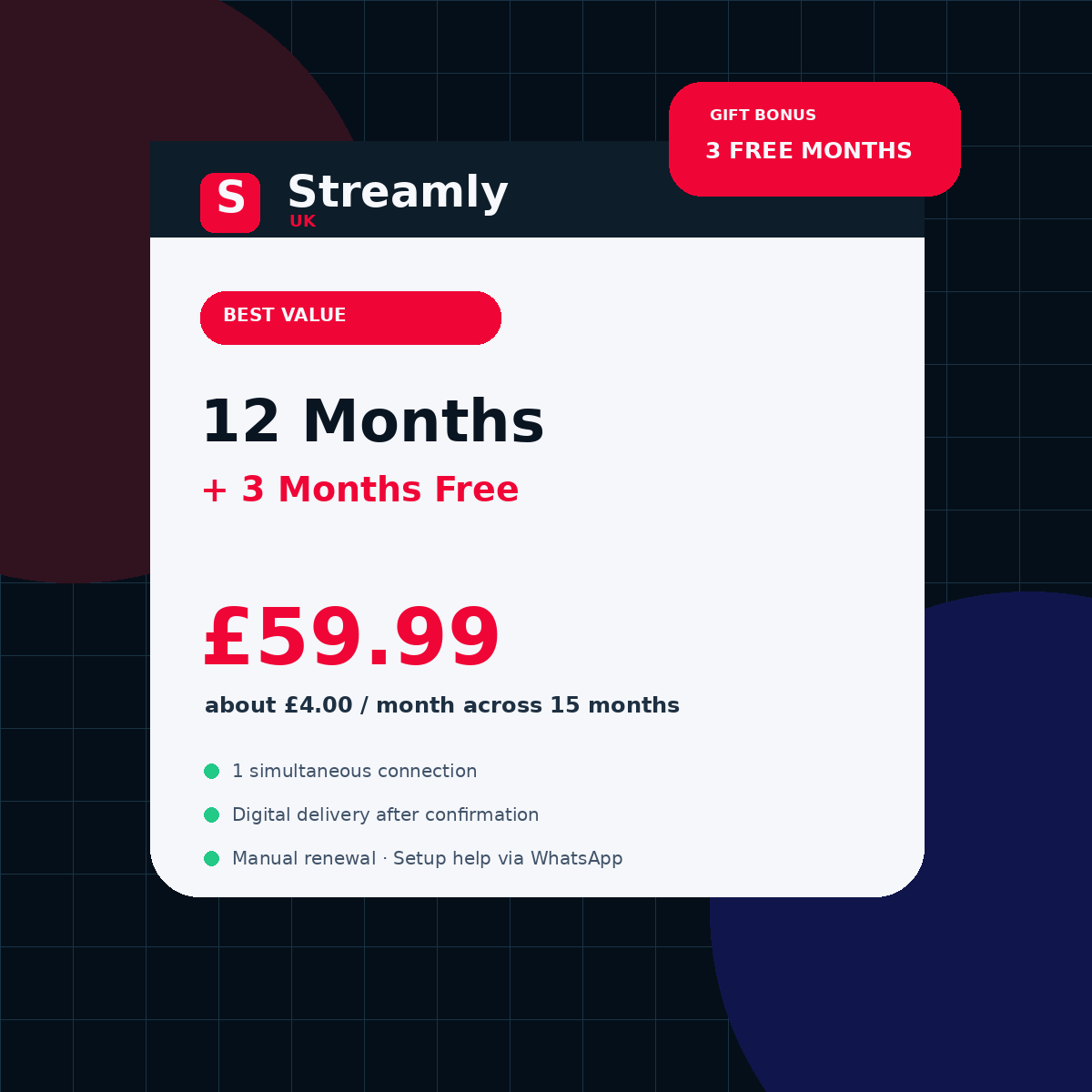
Streamly UK 12 month UK plan with 3 free months, 15 total months, priced at £59.99
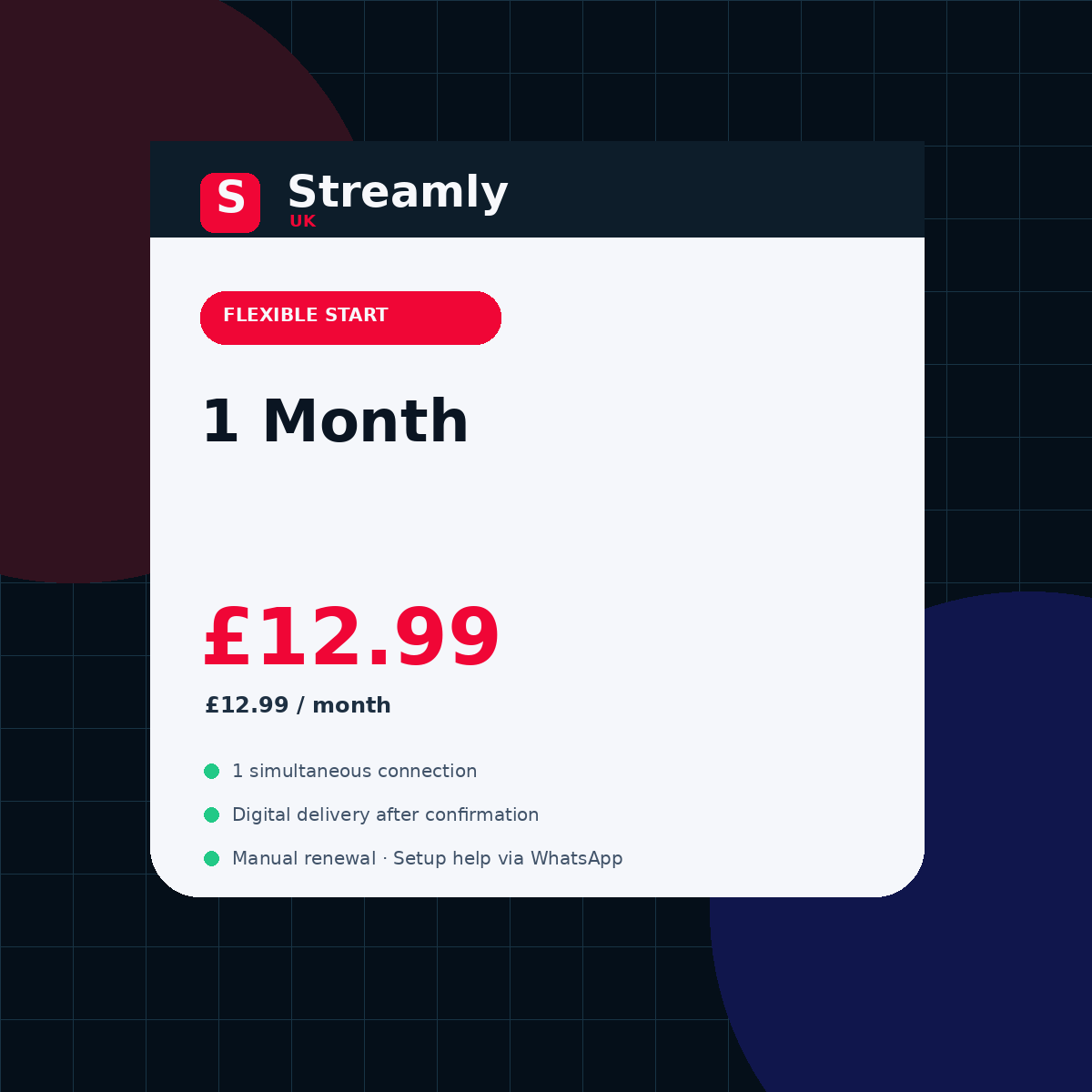
Streamly UK 1 month UK starter plan product card priced at £12.99
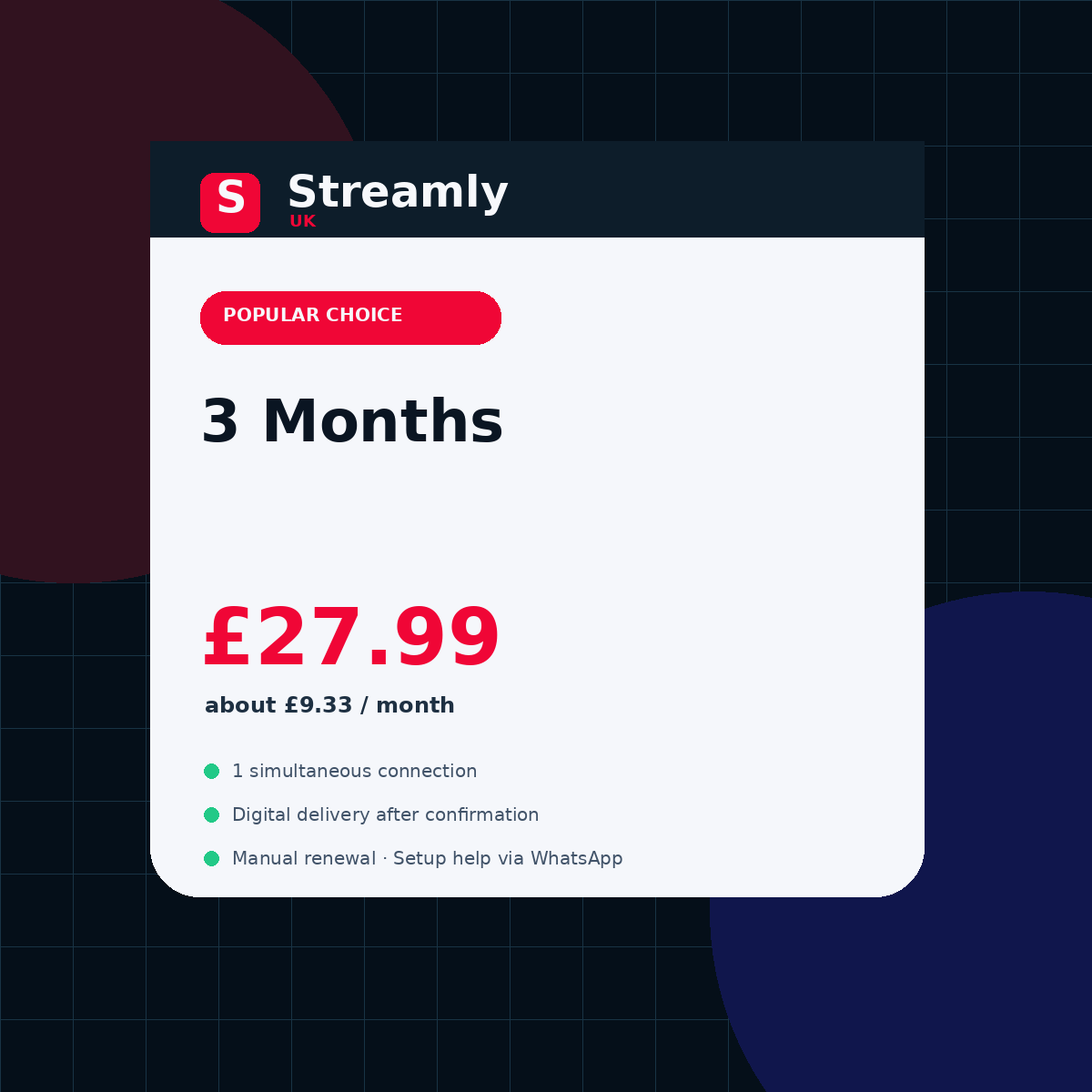
Streamly UK 3 month UK plan product card priced at £27.99
Best transactional starting pointFire TV, Smart TV, Apple TV, Android TV, Google TV, Windows, Mac, phone, or browserDevice check → plan → written order
Clear listed totals Device-first compatibility Manual renewal Written order confirmation
WHY THIS PAGE EXISTS

Buy the plan only after the setup makes sense.

Start with the screen you actually use, then choose the shortest plan that proves the setup. Longer periods are for a configuration you have already tested.

01

Clear UK pricing

Four fixed periods in GBP with the total shown before the order step.

02

Device-first guidance

Confirm platform, app-store availability, login method, and network path before committing.

03

Manual renewal

The site does not represent automatic subscription billing.

04

Direct support path

Build a precise WhatsApp order and keep commercial terms in writing.

CHOOSE YOUR PERIOD

Start with risk control.
Scale into value.

The plans use the same one-connection base offer. The meaningful difference is commitment and effective monthly cost.

STREAMLY UK

1 Month

£12.99

£12.99/month equivalent

  • 1 simultaneous connection
  • Digital delivery after confirmation
  • WhatsApp setup guidance
  • Manual renewal
Choose 1 month
STREAMLY UK

3 Months

£27.99

£9.33/month equivalent

  • 1 simultaneous connection
  • Digital delivery after confirmation
  • WhatsApp setup guidance
  • Manual renewal
Choose 3 months
STREAMLY UK

6 + 1 Month Free

£39.99

£5.71/month equivalent

  • 1 simultaneous connection
  • Digital delivery after confirmation
  • WhatsApp setup guidance
  • Manual renewal
Choose 6 months + 1 free

Third-party player licences, hardware, internet service, taxes or payment fees, and additional connections are separate unless specifically confirmed in writing.

BEFORE YOU PAY

Answer the questions that usually kill the sale later.

Good conversion is not hiding objections. It is resolving the real ones before the visitor reaches support.

01

“Will it work on my TV?”

Check the exact operating system first. Samsung Tizen, LG webOS, Fire OS, tvOS, Android TV, and Google TV use different players and stores.

02

“Should I buy a year immediately?”

Start shorter if the device, player, network, or support process is untested. The 12-month offer with 3 gift months has the best monthly equivalent only after the setup is proven.

03

“Is the player included?”

A third-party player licence may be separate. Streamly Player is a free browser option at playlistplayer.pro and provides no channels, playlists, movies, series, or credentials.

04

“What should I know before ordering?”

Choose the exact Streamly UK plan, primary device, and login method. The listed plans include 1 simultaneous connection, manual renewal, digital delivery after payment confirmation, and WhatsApp ordering.

SALES FAQ

Clear answers before the WhatsApp conversation.

These answers reduce friction without inventing guarantees, channel counts, fake reviews, or countdown scarcity.

Open full FAQ →
What is the best Streamly UK plan for a first order?+

The one-month plan is the lowest-commitment way to verify your device, player, network, and support workflow before choosing a longer period.

Can I configure more than one device?+

You may configure more than one compatible device, but simultaneous playback is limited to the purchased connection count. The default offer is one simultaneous connection unless otherwise confirmed in writing.

How is the order completed?+

Choose a period, identify the primary device and login method, then open the prefilled WhatsApp order and confirm the material terms before payment.

Does Streamly UK claim rights to third-party brands or content?+

No. Device and platform names identify compatibility and guide topics. Use only services and content you are authorised to access.

READY WHEN THE SETUP IS CLEAR

Choose your period.
Confirm everything in writing.

Use the order builder to pass the selected plan and primary device into WhatsApp. Do not send full playlist URLs, passwords, or payment-card details in the first message.

Build my order Read terms

buy IPTV UK — Buy IPTV UK only after you can name the plan, device, player path, total price, connection limit, seller, payment recipient, delivery expectation, renewal method, and refund process. That turns a vague purchase into a documented order. The goal is to make the next decision clear without mixing price, player, device, network, privacy, or rights into one vague claim.

QUICK ANSWER

Buy IPTV UK only after you can name the plan, device, player path, total price, connection limit, seller, payment recipient, delivery expectation, renewal method, and refund process. That turns a vague purchase into a documented order.
buy IPTV UK guide and decision checklist
buy IPTV UK — the checks that matter before the next step.

buy IPTV UK: what to verify first

Use the checks below in order. Record the current setup before changing it, keep one known test item or purchase scenario constant, and change only the variable named in the section. That produces evidence you can reuse instead of a list of unrelated tweaks.

Start with the shortest unproven commitment

If the device, player, network, or support process is new, a one-month period limits risk while you validate the full setup.

Add the real total cost

A third-party player licence, new streaming hardware, payment fee, tax, or extra connection can change the real cost. Keep those items separate from the advertised plan total.

When the result depends on a device or app, write down the exact model, operating-system version, player version, and network path. When it depends on a Streamly UK purchase, record the selected plan, displayed GBP price, 1 simultaneous connection, primary device, manual renewal, digital delivery after payment confirmation, and the WhatsApp order conversation. These details prevent assumptions from becoming part of the decision.

Confirm the exact screen before checkout

The platform determines app availability and the setup path. Write down the device model and operating system before ordering.

Save the commercial record

Keep the quote, selected period, payment confirmation, delivery message, renewal date, and support channel together. Do not store private access credentials in the same public or shared document.

A practical workflow

  1. 1Define the goal in one sentence and identify the exact screen, plan, symptom, or policy question.
  2. 2Record the current environment or commercial terms before changing settings or committing to a longer period.
  3. 3Run one high-value check from this page and compare the result with the same device, item, or order scenario.
  4. 4Keep private credentials, playlist URLs, tokens, QR codes, and payment details out of screenshots and first-contact messages.
  5. 5Save the working configuration or confirmed written terms so a future update, renewal, or support request has a reliable baseline.

How to judge the result

A useful result should be repeatable. For technical pages, repeat the same authorised item after an app restart and during the time of day when the setup is normally used. For buying pages, compare the same plan fields—price, period, bonus months, connection limit, device fit, renewal, and support path—instead of switching criteria halfway through. For policy pages, keep the visible text consistent with the Streamly UK ordering flow and the plugins actually enabled on the site.

If the result is still unclear, stop adding variables. Return to the narrowest unanswered question—device, player, network, account, delivery, order, or policy—and use the linked guide or tool for that layer. This is faster and safer than stacking several guesses together.

Before acting on the result, check whether the conclusion would still make sense if one neighboring layer changed. A player problem should not be described as a network problem, a billing term should not be presented as a technical feature, and a device limitation should not be turned into a service-wide promise. Clear boundaries make the page more useful now and easier to update later.

Related Streamly UK resources

Sources and further reading

Use first-party documentation for facts that can change, and consumer or government guidance for purchase, privacy, and security decisions. Streamly UK links to these sources for verification; the source does not endorse Streamly UK.

buy IPTV UK: final checklist

  • The page title, visible H1, URL, and description all describe the same primary topic.
  • The next action is based on a verified device, symptom, price, or policy fact—not an assumption.
  • Private credentials and payment information remain protected.
  • Any commercial term that matters later is saved in writing.
  • When a fact can change, the current official source is checked before relying on it.