Streamly UKUK plans, setup guides, device help & troubleshooting

SupportContact
IPTV UK 2026 · STREAMLY UK

IPTV UK Subscription Plans

Built for Firestick, Smart TV & every screen.

Choose a UK streaming plan from £12.99, then use device-specific setup guides for Fire TV, Roku, Apple TV, Samsung, LG, Android TV, Google TV, mobile, and web.

6 + 1month free 12 + 3months free 1connection
Firestick & Smart TV guides Manual renewal Setup support
BEST VALUE · UK 12 + 3 months £59.99 3 MONTHS FREE BONUS PLAN6 + 1months£39.991 MONTH FREE FIRE TVFirestick setupApps · storage · buffering → SMART TVSamsung + LGCompatibility guide →
Move your pointer across the scene — the interface reacts in 3D.
GUIDES FOR THE UK STREAMING ECOSYSTEMNames identify guide topics only; no partnership or content inclusion is implied.
BBC iPLAYERITVXCHANNEL 4MY5NOWSKY STREAMEE TVVIRGIN MEDIANETFLIXprime video
Practical device helpFollow a proven setup path for the screen you own. UK device coverageFire TV, Roku, Apple TV, Smart TV, and more. Always currentNew setup and troubleshooting guides publish every week. Clear, useful answersSteps, checks, diagrams, and sources—not filler.
DEVICE UNIVERSE

One streaming question.
Different answers on every screen.

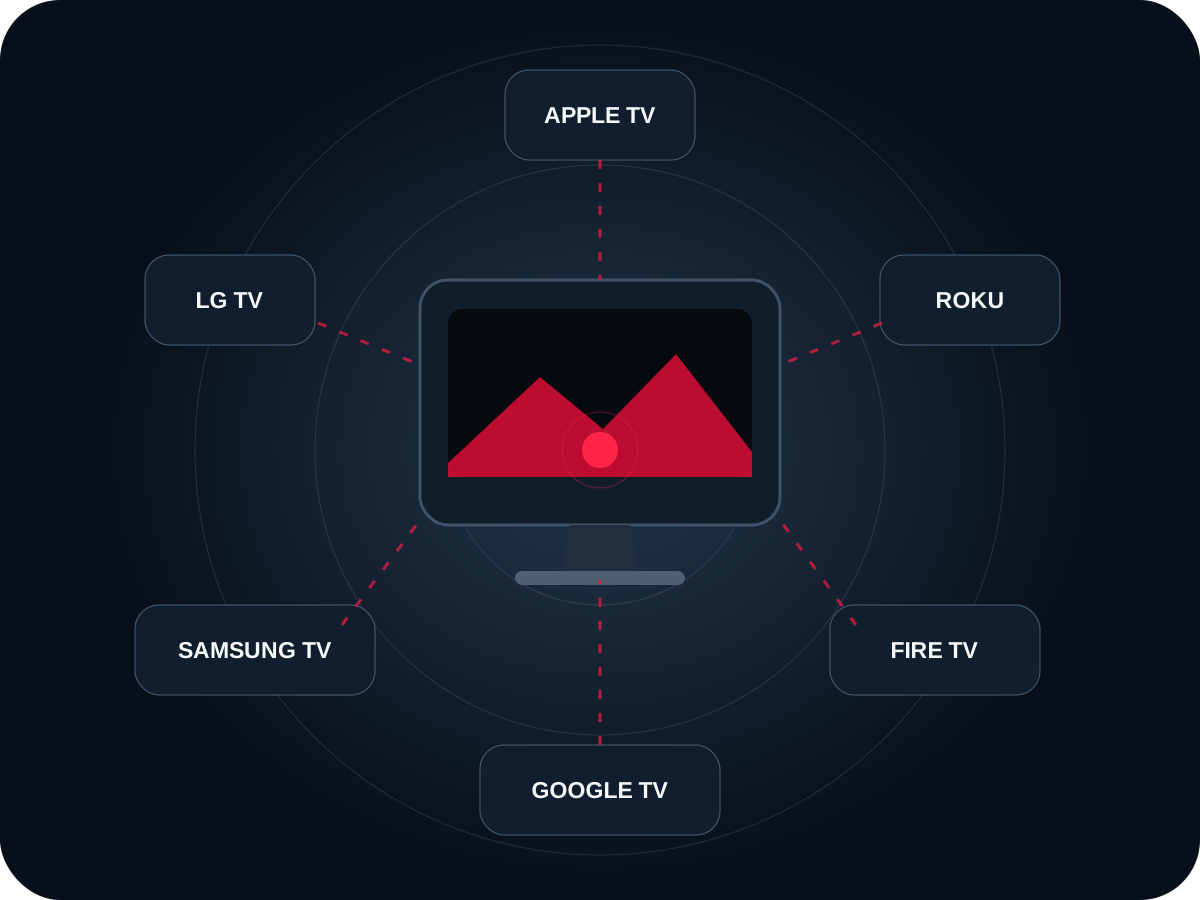
Roku, Fire TV, Apple TV, Samsung Tizen, LG webOS, and Google TV do not share the same app stores, codecs, storage, or remote behaviour. Streamly UK routes visitors to the right setup path before they waste time.

3D device compatibility map for IPTV in the UK showing Apple TV, Roku, Fire TV, Google TV, Samsung TV, and LG TV around a central screen
Compatibility is a platform problem first—not a brand-name problem.
FREE PLAYER · PLAYER.STREAMLYUK.SHOP

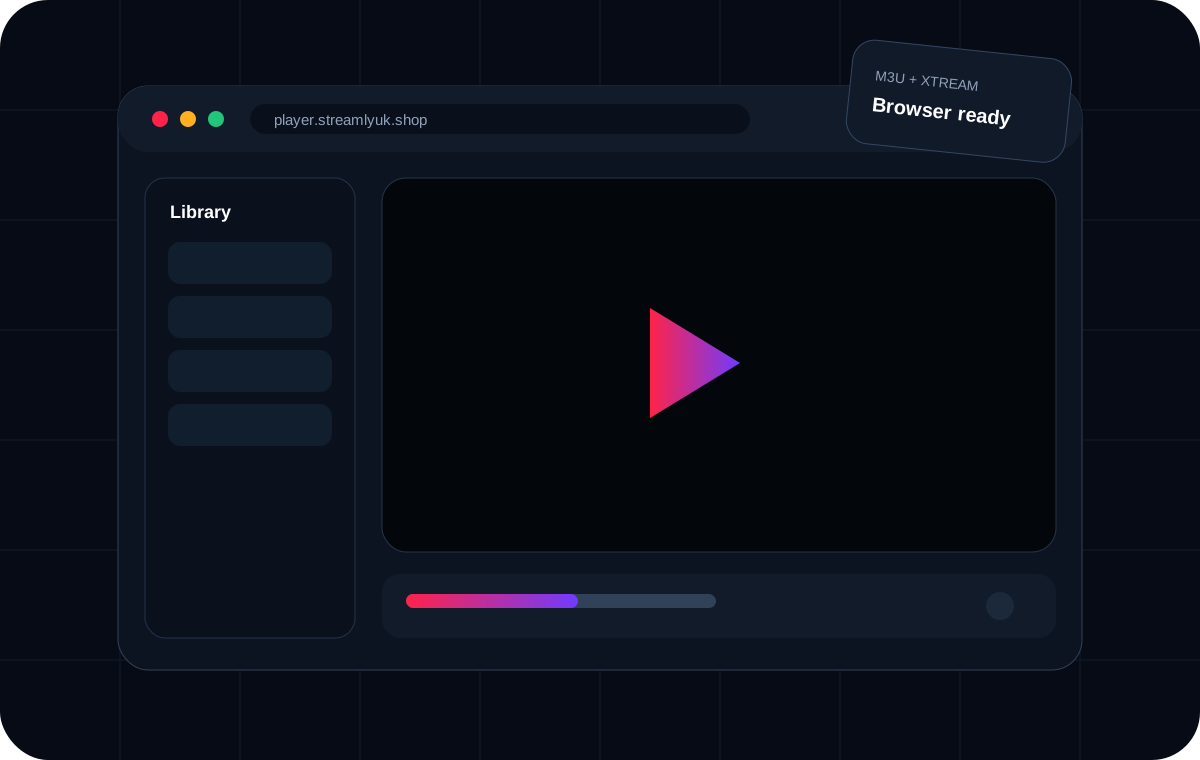
Open your authorised M3U or Xtream access in the browser.

Streamly Player is a separate, free browser player built for M3U, M3U8 and Xtream-style login. No bundled channels. No player subscription. Use it as a fast desktop/mobile playback option or compatibility test.

Streamly Player browser interface for authorised M3U, M3U8 and Xtream access
UK PLANS · GBP

Simple periods.
No pricing maze.

Start short if you have not tested your device, player, home network, and support workflow. Longer periods reduce the effective monthly cost.

Flexible start

1 Month

The shortest fixed period for testing your real device and network.

£12.99£12.99/mo
  • 26,000+ global live channels
  • 90,000+ films and series
  • All UK premium channels
  • All UK premium sports channels
  • All local & global platforms
  • Time-Shift & EPG Guide
  • Quality in SD, HD, FHD and 4K
  • Daily updates
  • Anti-Freeze™ technology
  • No VPN required (VPN included)
Choose 1 month
Bonus value

6 + 1 Month Free

Buy 6 months and get 1 additional month free — 7 months of service for £39.99.

£39.99about £5.71/mo
  • 26,000+ global live channels
  • 90,000+ films and series
  • All UK premium channels
  • All UK premium sports channels
  • All local & global platforms
  • Time-Shift & EPG Guide
  • Quality in SD, HD, FHD and 4K
  • Daily updates
  • Anti-Freeze™ technology
  • No VPN required (VPN included)
Choose 6 months + 1 free
Manual renewal — no automatic renewal representedDigital delivery — confirm the written order summary firstFree browser player — Streamly Player provides no content
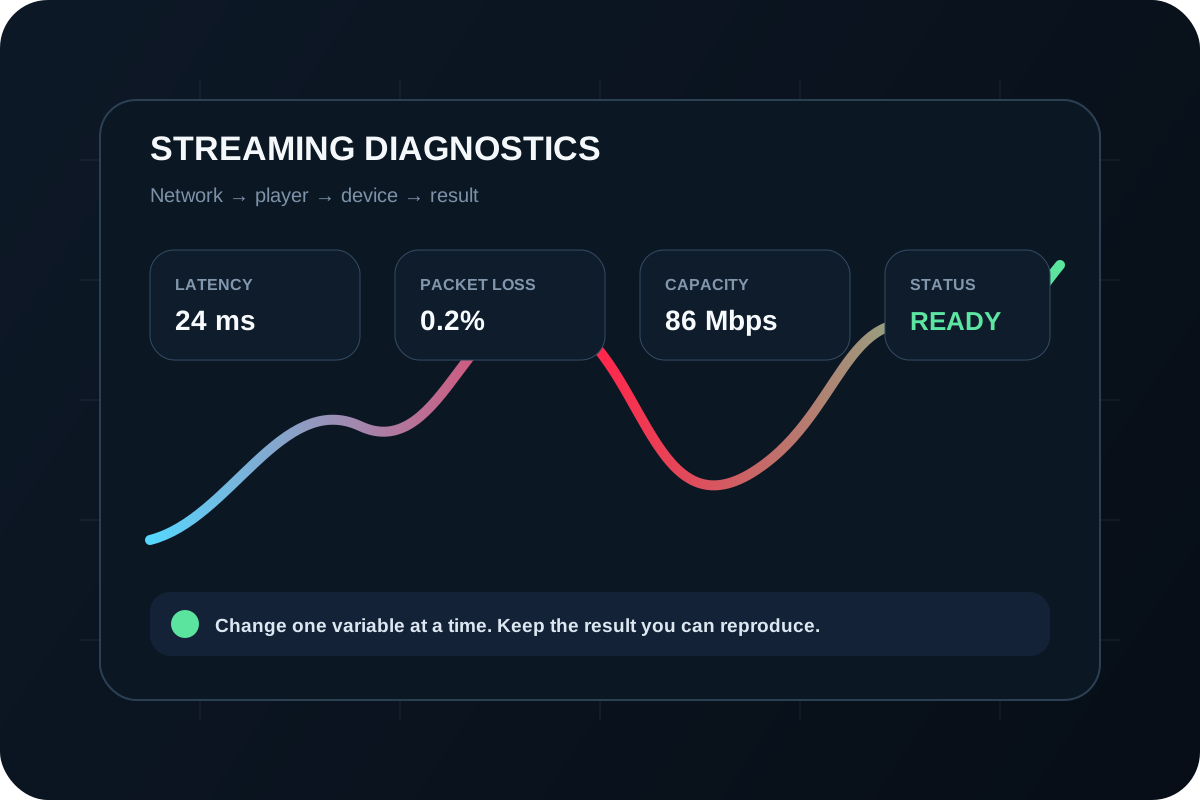
Streamly UK streaming diagnostics dashboard visualizing latency, packet loss, internet capacity, and playback readiness
Measure the path. Do not guess at the symptom.
TROUBLESHOOTING ENGINE

Buffering is a symptom.
Find the variable causing it.

Change the network, player, device, or content source one at a time. That turns “it buffers” into evidence you can actually act on.

  • Ethernet vs. Wi-Fi comparison
  • Same stream on a second device
  • Alternative maintained player
  • Audio, codec, EPG, and login isolation
LATEST STREAMLY GUIDES

Useful guides for the problems people actually hit.

Step-by-step setup, device checks, player configuration, network tests, privacy guidance, and troubleshooting backed by clear sources and real next actions.

WHY STREAMLY UK

Clear answers before you change settings—or spend money.

Each page separates the service, player, device, network, and rights so you can verify the right layer first. Important claims link to official or consumer sources where available.

DEVICE-FIRSTKnow the operating system before you choose the app.

Fire OS, Roku OS, tvOS, Tizen, webOS, Android TV, and Google TV have different stores, limits, and troubleshooting paths.

CONTROLLED TROUBLESHOOTINGChange one variable, then repeat the same test.

Compare network, player, device, or account one at a time so the result identifies the layer that actually changed.

STREAMLY UK · UK

Choose the screen.
We’ll show you the path.

Plans, devices, players, setup, and troubleshooting—designed as one system instead of a pile of disconnected pages.

See UK plansExplore guides

IPTV UK subscription plans — Use Streamly UK as a UK decision path: compare the fixed plan periods, verify the exact device and player, test the network at the screen, and keep the order terms separate from private access credentials. The goal is to make the next decision clear without mixing price, player, device, network, privacy, or rights into one vague claim.

QUICK ANSWER

Use Streamly UK as a UK decision path: compare the fixed plan periods, verify the exact device and player, test the network at the screen, and keep the order terms separate from private access credentials.
IPTV UK subscription plans guide and decision checklist
IPTV UK subscription plans — the checks that matter before the next step.

IPTV UK subscription plans: what to verify first

Use the checks below in order. Record the current setup before changing it, keep one known test item or purchase scenario constant, and change only the variable named in the section. That produces evidence you can reuse instead of a list of unrelated tweaks.

Compare commitment before monthly equivalent

The one-month plan is the lowest-risk starting point. The 6-month plan includes 1 free month and the 12-month plan includes 3 free months, but a lower effective monthly cost only matters after the setup is proven on the device you actually use.

Verify the playback platform

Fire TV, Roku, Apple TV, Samsung Tizen, LG webOS, Android TV, Google TV, computers, and phones do not share one app ecosystem. Confirm the operating system and maintained player before paying for a separate player licence.

When the result depends on a device or app, write down the exact model, operating-system version, player version, and network path. When it depends on a Streamly UK purchase, record the selected plan, displayed GBP price, 1 simultaneous connection, primary device, manual renewal, digital delivery after payment confirmation, and the WhatsApp order conversation. These details prevent assumptions from becoming part of the decision.

Test the home network where playback happens

A fast test beside the router does not prove the television path is stable. Measure at the playback location during normal viewing hours and use Ethernet or another known-good connection as a comparison when possible.

Keep purchase terms in writing

Confirm the plan period, total price, connection limit, payment recipient, digital-delivery expectation, renewal method, support path, and refund terms before payment.

A practical workflow

  1. 1Define the goal in one sentence and identify the exact screen, plan, symptom, or policy question.
  2. 2Record the current environment or commercial terms before changing settings or committing to a longer period.
  3. 3Run one high-value check from this page and compare the result with the same device, item, or order scenario.
  4. 4Keep private credentials, playlist URLs, tokens, QR codes, and payment details out of screenshots and first-contact messages.
  5. 5Save the working configuration or confirmed written terms so a future update, renewal, or support request has a reliable baseline.

How to judge the result

A useful result should be repeatable. For technical pages, repeat the same authorised item after an app restart and during the time of day when the setup is normally used. For buying pages, compare the same plan fields—price, period, bonus months, connection limit, device fit, renewal, and support path—instead of switching criteria halfway through. For policy pages, keep the visible text consistent with the Streamly UK ordering flow and the plugins actually enabled on the site.

If the result is still unclear, stop adding variables. Return to the narrowest unanswered question—device, player, network, account, delivery, order, or policy—and use the linked guide or tool for that layer. This is faster and safer than stacking several guesses together.

Before acting on the result, check whether the conclusion would still make sense if one neighboring layer changed. A player problem should not be described as a network problem, a billing term should not be presented as a technical feature, and a device limitation should not be turned into a service-wide promise. Clear boundaries make the page more useful now and easier to update later.

Related Streamly UK resources

Sources and further reading

Use first-party documentation for facts that can change, and consumer or government guidance for purchase, privacy, and security decisions. Streamly UK links to these sources for verification; the source does not endorse Streamly UK.

IPTV UK subscription plans: final checklist

  • The page title, visible H1, URL, and description all describe the same primary topic.
  • The next action is based on a verified device, symptom, price, or policy fact—not an assumption.
  • Private credentials and payment information remain protected.
  • Any commercial term that matters later is saved in writing.
  • When a fact can change, the current official source is checked before relying on it.
Powered by Joinchat